Graphics Design Resources Pack Freebie
If you're looking for ready-to-use, high-quality design elements that spark joy and work instantly—whether you're sketching a logo, launching a side hustle, or sprucing up a classroom poster—the Graphics Design Resources Pack Freebie is a thoughtful, practical starting point. It’s not just another bundle of clipart. This collection delivers 160 carefully crafted vector elements in EPS format—scalable, crisp, and designed with intention.
What Makes This Pack Stand Out?
Each element is saved as an EPS file—a professional vector standard that retains clarity at any size. Whether you’re resizing a tiny sticker icon to fit a phone case or blowing up a playful character for wall art, the lines stay smooth and sharp. All files come at 300 DPI resolution and include transparent backgrounds, so there’s no awkward white box cutting into your design. You drop them straight into Illustrator, Photoshop, Canva (via SVG conversion), or most POD platforms—and they blend right in.
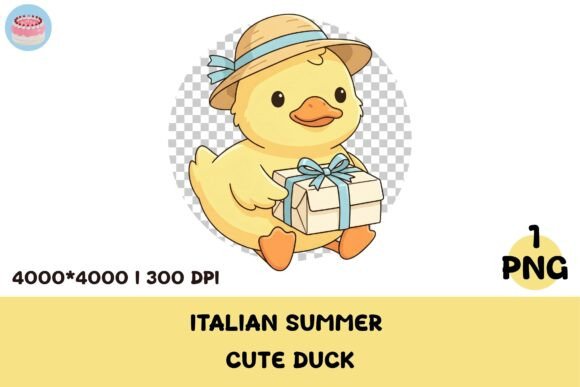
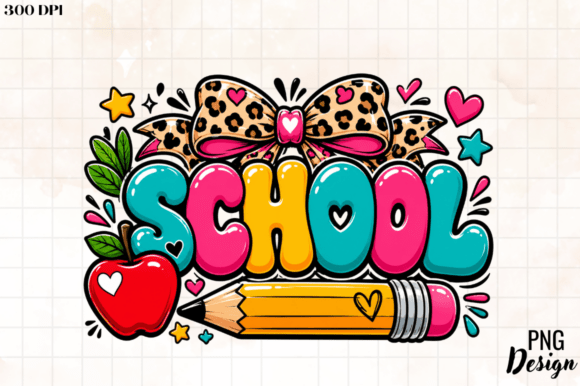
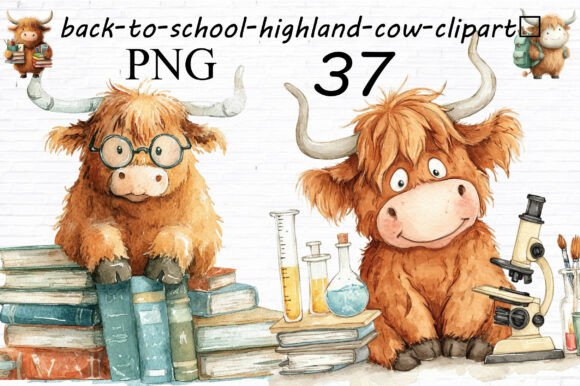
The vibe? Light-hearted, warm, and expressive—think cheerful animals wearing sunglasses, whimsical food characters, hand-drawn hearts with little legs, or punny speech bubbles. It’s cute without being cloying, funny without relying on trends that fade fast. That balance makes it versatile across audiences: great for kids’ apparel, small-batch greeting cards, teacher resources, or even lighthearted brand assets for wellness or pet-care businesses.
Who Benefits Most—and Why?
Beginners love this pack because it removes early friction. You don’t need to master Bezier curves to start building something polished. Drag in a ready-made badge, pair it with a font, and you’ve got a printable sticker sheet—or a Shopify product mockup—in under five minutes. No tracing, no background removal, no guessing about color-safe palettes.
Freelancers and small business owners appreciate how quickly it supports client work. Need a playful icon set for a bakery’s social media campaign? A set of illustrated ingredients for a cooking blog’s Pinterest pins? A consistent visual language for a new line of eco-friendly tote bags? The pack gives you cohesive, on-brand pieces without commissioning custom illustrations every time.
For Print-on-Demand creators, timing and compatibility are everything. Since every file is print-ready and transparent, uploading to platforms like Printful, Redbubble, or Teespring takes seconds—not hours. You avoid common pitfalls like blurry edges, off-center crops, or opaque backgrounds that force extra editing before listing.
Real Ways People Are Using These Elements
- T-shirt designers combine two or three elements—say, a winking avocado holding a coffee cup—with a short phrase to create niche merch for foodie communities.
- Educators use the playful icons to label classroom bins (“Art Supplies,” “Quiet Time Tools”) or build interactive flashcards for emotional literacy lessons.
- Bloggers and newsletter writers drop subtle vector accents into headers or dividers—like a tiny smiling cloud next to “Weather Tips”—to add personality without distracting from content.
- Small café owners adapt the mugs and cup illustrations into reusable menu boards, loyalty card stamps, or Instagram story templates.
- Hobbyists print stickers at home using an inkjet printer and clear sticker paper—no special equipment needed—and gift them to friends or use them to personalize planners and journals.
Things to Keep in Mind Before You Dive In
While the Graphics Design Resources Pack Freebie is beginner-friendly, a few simple checks help you get the most out of it. First, confirm your software supports EPS files. Adobe Illustrator and CorelDRAW open them natively; Photoshop can place them as smart objects; free tools like Inkscape handle them well too. If you primarily use Canva, you’ll want to export individual elements as SVG or PNG first—but that’s a quick one-time step.
Also, remember that vector files give you full control over color, stroke, and grouping—but only if you open them in compatible software. Double-clicking an EPS in Windows Explorer won’t show the editable layers. Take five minutes to explore how your tool handles vectors: ungroup elements, change fill colors, or isolate parts to recolor individually. You’ll unlock far more flexibility than drag-and-drop alone.
Lastly, consider context. While the joyful, lighthearted tone works beautifully for lifestyle brands, children’s products, or wellness spaces, it may not suit formal legal documents, corporate financial reports, or medical device packaging. That’s not a limitation—it’s intentional design alignment. Match the energy of the resource to your audience’s expectations.
More Than Just Files—It’s Creative Momentum
This isn’t about filling a folder with unused downloads. It’s about lowering the barrier between idea and execution. When you have 160 high-quality, transparent, scalable elements at your fingertips, you spend less time troubleshooting technical hurdles and more time experimenting, connecting with your audience, or refining your unique voice.
You might start with one mug illustration, then layer in a steam swirl and a cheeky quote—and suddenly you’ve got your first best-selling design. Or you pull three animal characters to create a series of educational posters about kindness, empathy, and teamwork. The pack doesn’t replace your creativity—it fuels it.
And because it’s free, there’s zero risk in trying it out. Download it, test one element in your next project, and notice how much smoother the process feels. If it clicks, follow along for future releases—you’ll get access to more artwork built with the same care: joyful, usable, and made for real people doing real creative work.